Beginner’s Guide to Understanding Workplace Software
Stuck trying to understand workplace software?
Paste a screenshot into Data Levee and get a clear explanation of what you’re looking at and what to do next.
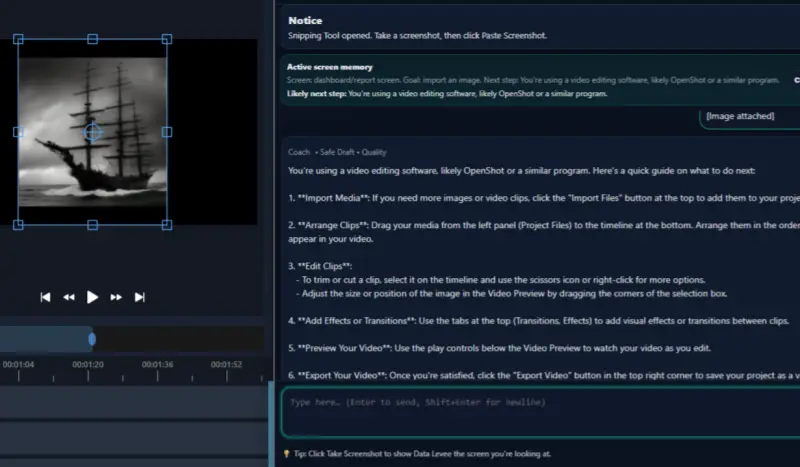
Starting a new job often means learning unfamiliar software, dashboards, ticket systems, and internal tools. For many workers, that can feel overwhelming.
You may be expected to understand screens, tasks, statuses, and updates before you feel fully comfortable with the system. That experience is extremely common.
The good news is that workplace software becomes much easier to handle when you break it down into smaller parts.
This guide brings together simple articles that can help you understand confusing work tools, tasks, and communication steps more clearly.
Learn New Software Faster
If you are trying to get comfortable with a new system, these guides can help:
- How to Learn New Software at Work (Without Feeling Lost)
- How to Learn New Software Fast at Work
- How to Learn Software When No One Trains You
- Feeling Overwhelmed by New Software at Work? Here’s What to Do
- Data Levee
Understand Confusing Screens and Systems
Sometimes the hardest part is simply figuring out what you are looking at. These guides focus on screens, dashboards, and unfamiliar systems:
- How to Understand Unfamiliar Software at Work
- How to Understand a Work System When You’re New
- How to Figure Out What a Software Screen Means at Work
- How to Understand a Work Dashboard When You’re New
- How to Read a Dashboard at Work
Understand What a Task Is Asking You To Do
A lot of work confusion starts when instructions are unclear. These guides can help you break down tasks and find the first step:
- How to Figure Out What a Task Is Asking You To Do
- How to Start a Task When You Don’t Know Where to Begin
- What to Do When Instructions at Work Are Unclear
- How to Understand a Task When Instructions Are Unclear
Understand Tickets, Blockers, and Work Updates
Many jobs use ticket systems and task trackers. These guides explain common terms and communication steps:
- What Is a Ticket in Jira? (Simple Explanation for New Employees)
- What Does “Blocked” Mean in a Work Ticket
- How to Understand a Work Ticket When You’re New
- How to Write a Status Update for Work
- How to Write a Clear Work Update
- How to Explain a Blocker at Work
Ask for Help and Communicate Clearly
If you feel stuck, these guides can help you communicate clearly and professionally:
When Workplace Software Feels Confusing
Many employees struggle not because they are bad at their jobs, but because the software, systems, and workflows around them are unfamiliar.
Tools like Data Levee are designed to help workers understand confusing software screens and tasks by explaining what they are seeing and helping draft clear work updates when needed.
If you are trying to get comfortable with unfamiliar work tools, start with the guides above and work through the areas that feel most confusing.
Related guide